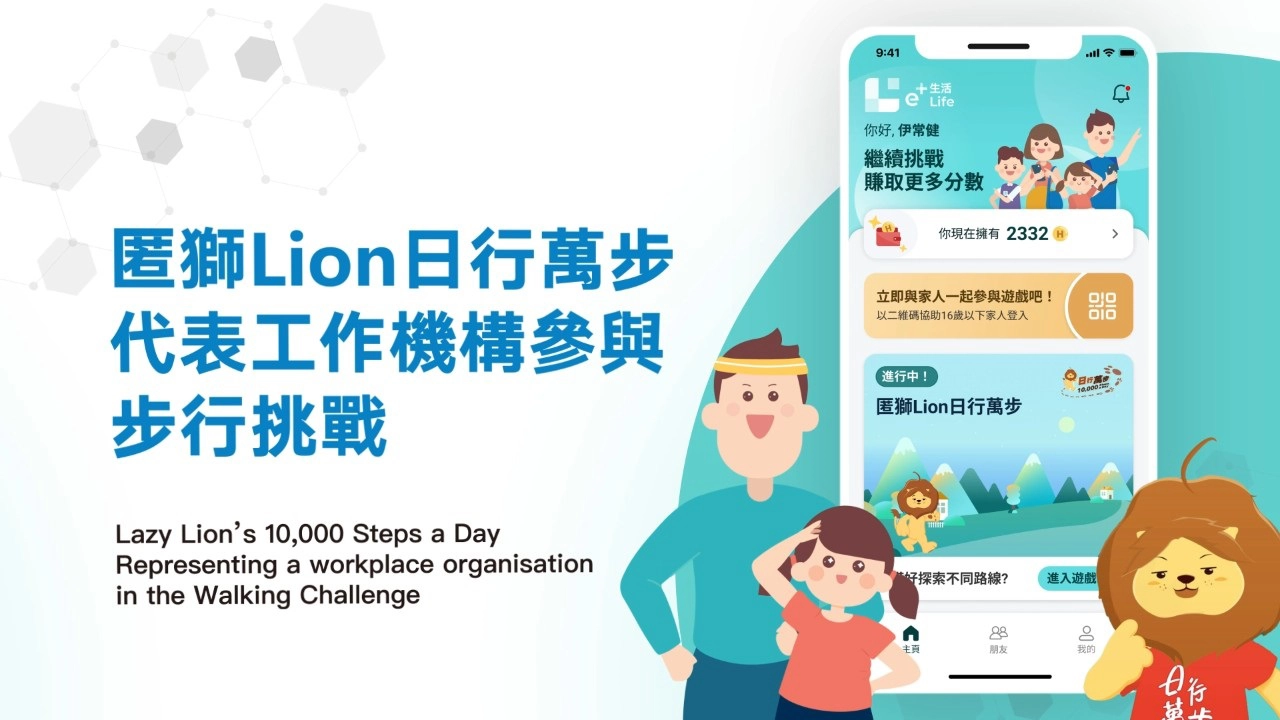
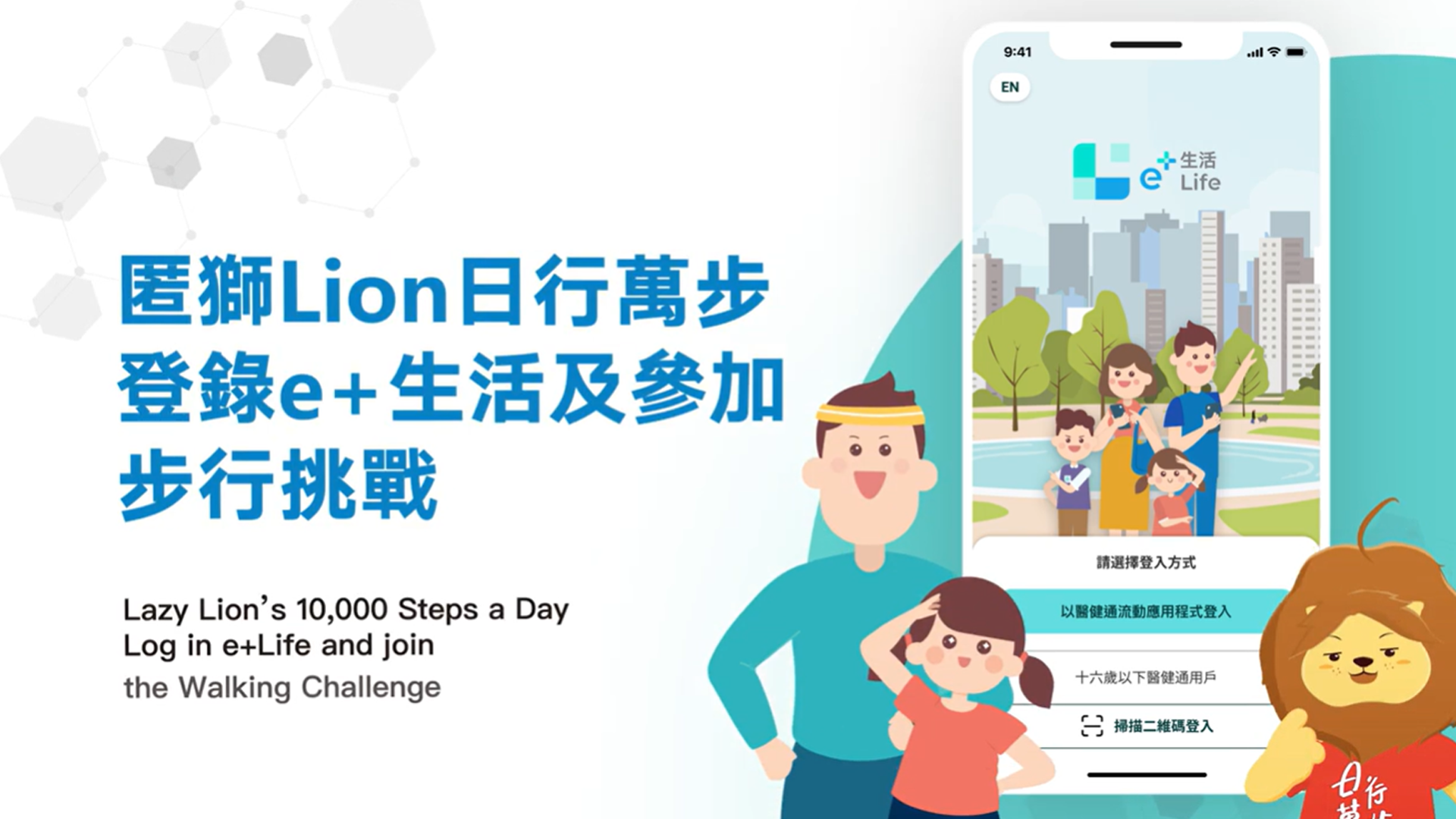
How to log in "e+Life" App?
If you already have an eHealth App account, you may log in by selecting “Login with eHealth App” on the "e+Life" App.
If you do not have eHealth account, you need to register for eHealth and download the eHealth App, register and proceed to the corresponding authorisation. For details on eHealth registration, please visit the eHealth website:
https://www.ehealth.gov.hk/en/you-and-your-family/how-to-register/index.html
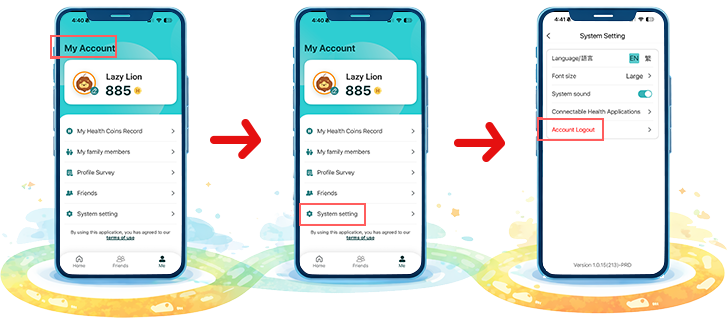
If you would like to log out the "e+Life" App,
How to join the Walking Challenge under “10,000 Steps a Day” Campaign?
Interested individuals can download and log into the "e+Life" App and select “Lazy Lion’s 10,000 Steps a Day” on the App to join the challenge.
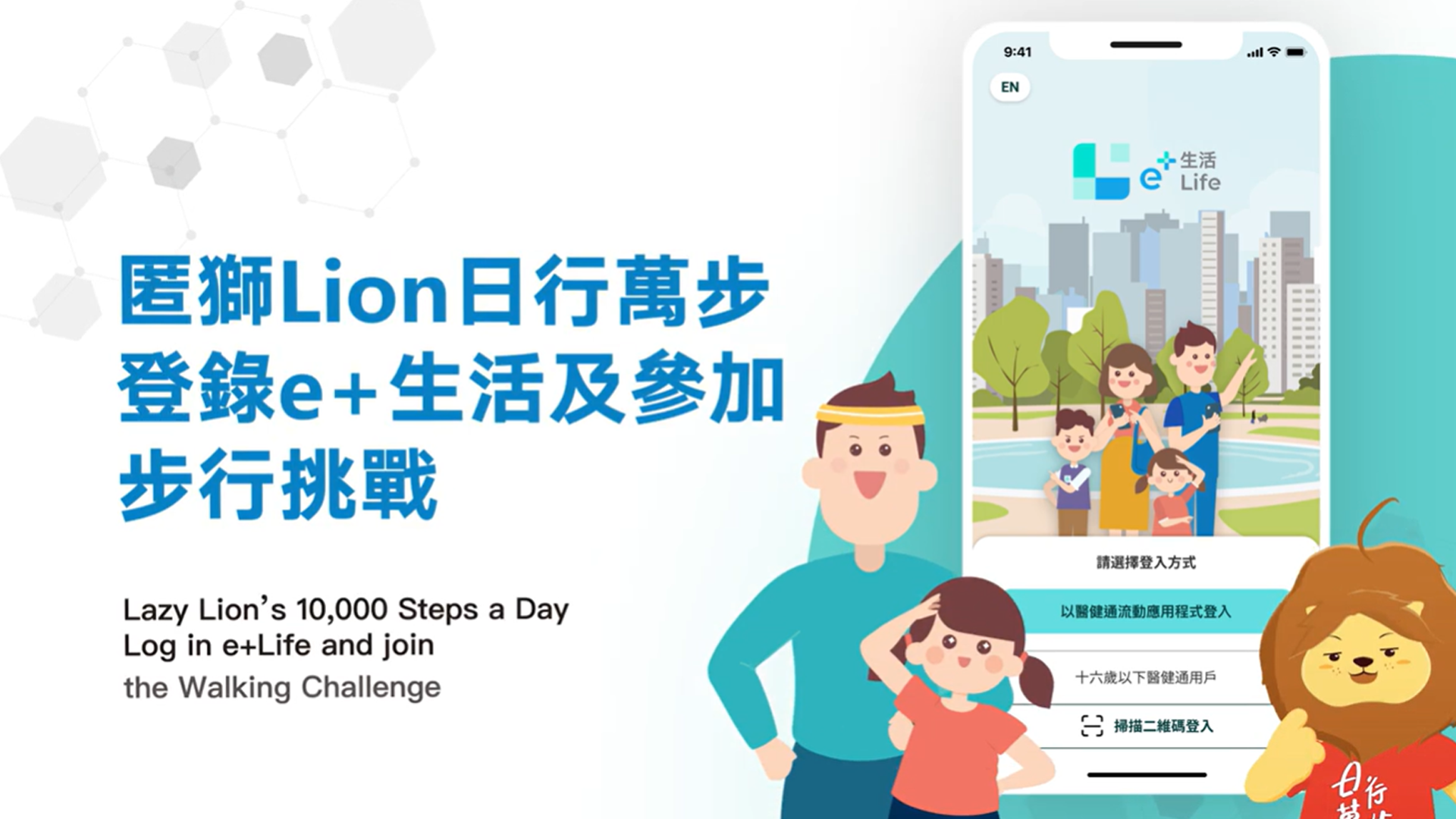
How to invite friends?
Participants can invite friends to join the Walking Challenge via the "Friends/ Map" function of the "e+Life" App. After the invitation is accepted, participants can view the step records of their friends through the "e+Life" App.
How to synchronise step count records?
Participants are required to use a step counting mobile application — Apple Health (for iOS user), Google Health Connect and Google Fit (for Android user) or Huawei Health (for Huawei EMUI user only) — to record step count. Participants are required to log in to the "e+Life" App daily and synchronise the record with the "e+Life" App.
How to earn Health Coins?
Participants can complete various missions in the Walking Challenge to earn Health Coins on the "e+Life" App.
Log in to the "e+Life" App to synchronise step record: Earn 30 Health Coins daily
Accumulate a total of 10,000 steps in one day: Earn 100 Health Coins daily
Participants must log in to the "e+Life" App to synchronise their step count records, after which the system will automatically issue Health Coins.
Mission 1 (Daily Login):
Participants must log in between 09:00 AM on the same day and 08:59 AM on the following day to earn the 30 Health Coins. Any Health Coins unclaimed due to late login will not be reissued.
Mission 2 (Walk 10,000 Steps a Day):
Steps are calculated per calendar day between 00:00 and 23:59. The system can retrieve historical step records for a maximum of 30 days (subject to device limitations and step count must have been previously synced within e+ Life ). Participants who successfully synchronize their step counts within this 30-day window will automatically receive Health Coins for all qualifying days. Any Health Coins unclaimed due to late synchronization will not be reissued.
In addition to the Daily Missions, participants can earn more Health Coins by completing the Main Missions:

Earn 300 Health Coins
Record Body Mass Index (BMI) or waist circumference monthly in the “Health Management” section of the eHealth App: Earn 100 Health Coins each month

Complete the pre-challenge questionnaire or the evaluation questionnaire: Earn 300 Health Coins each

Take photos through "e+Life" App at designated checkpoints: Earn 50 Health Coins; Share photos: Earn 30 Health Coins
At each designated checkpoint, participants can earn a maximum of 80 Health Coins (50 Health Coins for taking photos and 30 Health Coins for sharing photos). If participants take or share photos more than once at the same checkpoint, no additional Health Coins will be earned.

How to redeem gifts?
Limited period for gift redemption: 6 October to 8 November 2026
Health Coins earned can be redeemed for a variety of gifts at designated locations (including District Health Centres and DHC Expresses).
Please visit ‘e+Life’ Gift Redemption website for gift redemption details and locations!
*Redeemed on a first-come, first-served basis while stocks last.
Health Coins required for Lazy Lion or Active Lion Gifts
The Health Coins earned in the Walking Challenge will be combined with those earned from other games within the "e+Life" App. The Health Coins can later be used to redeem various gifts, not limited to the items listed below.
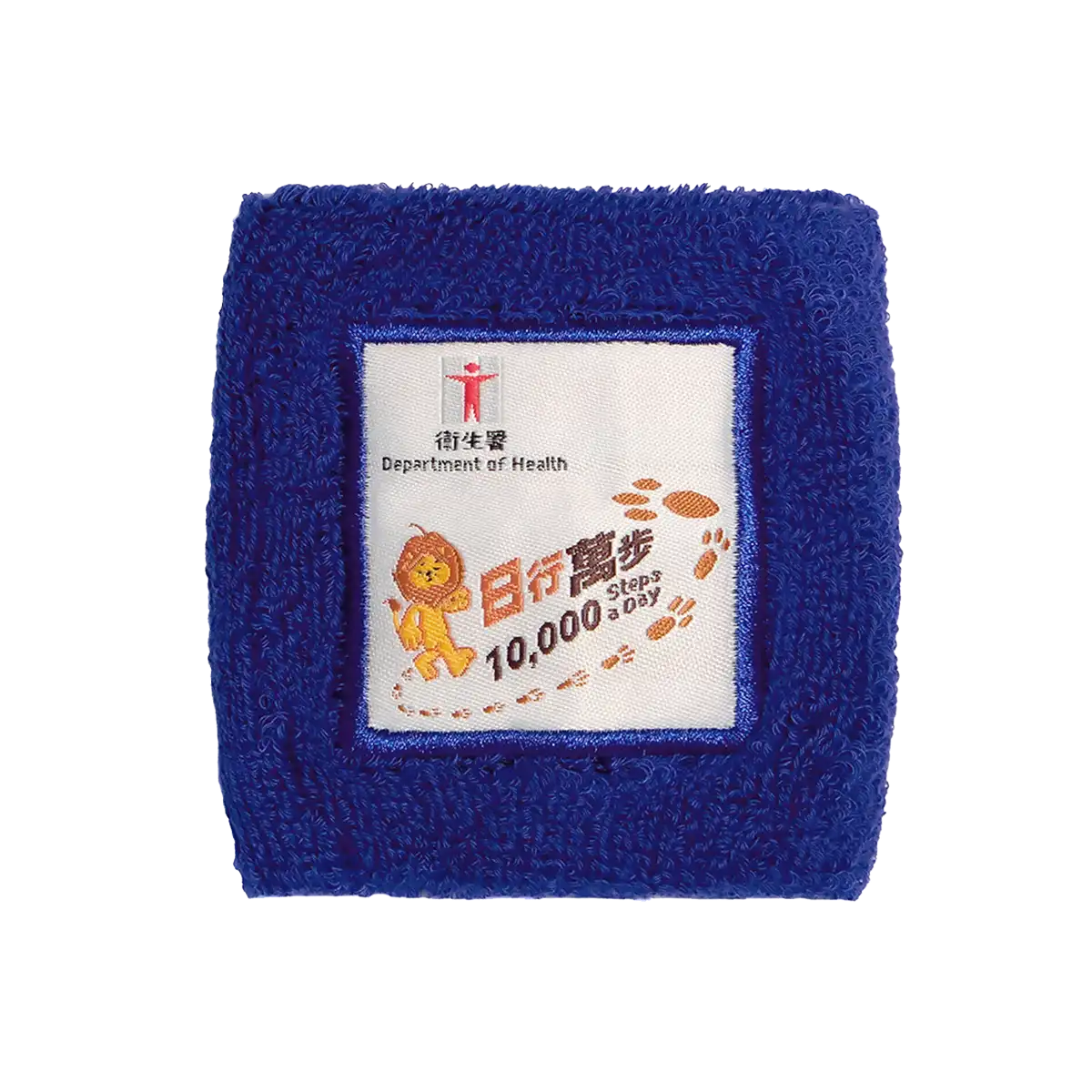
(approximately 8 cm x 8 cm)
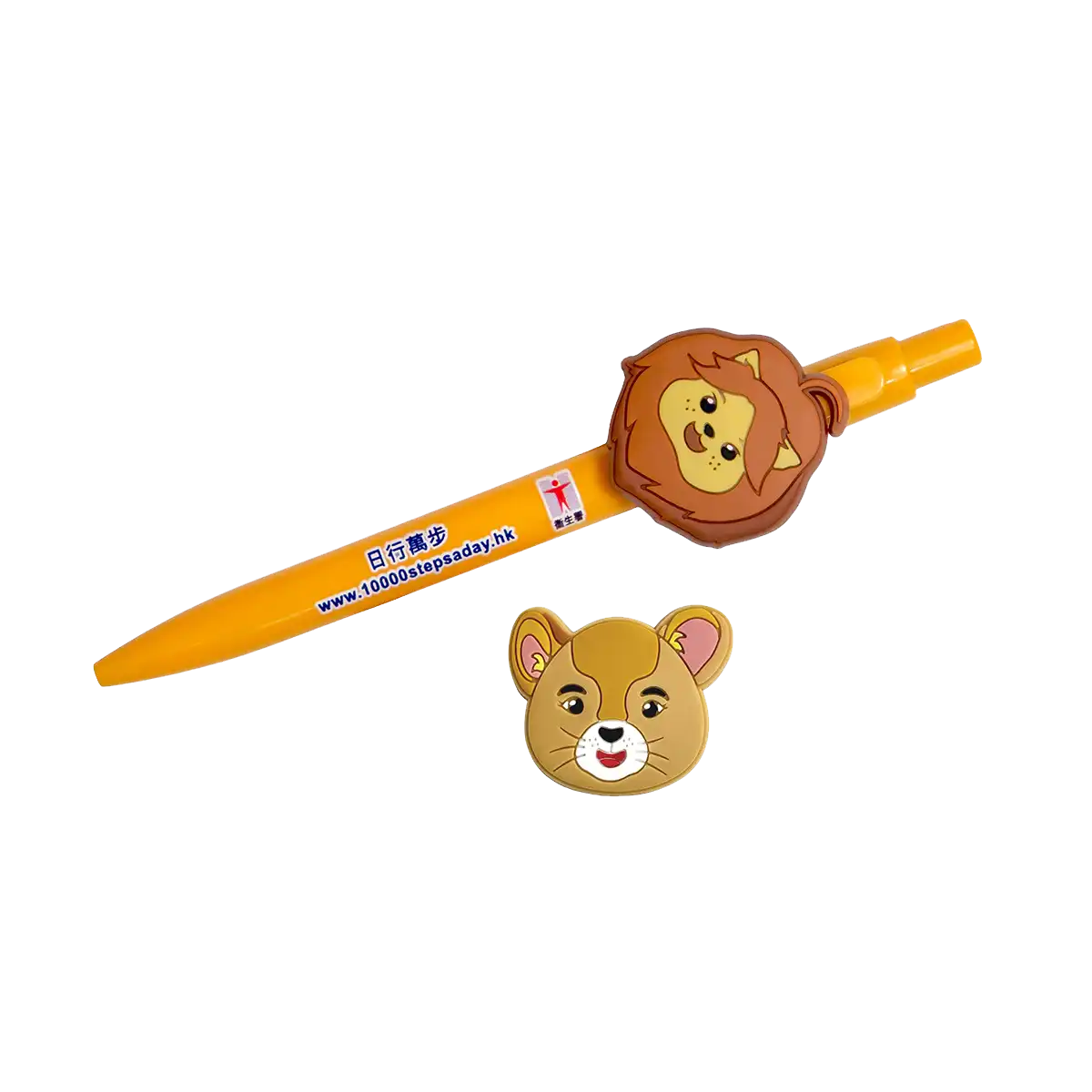
(approximately 4 cm x 14 cm)
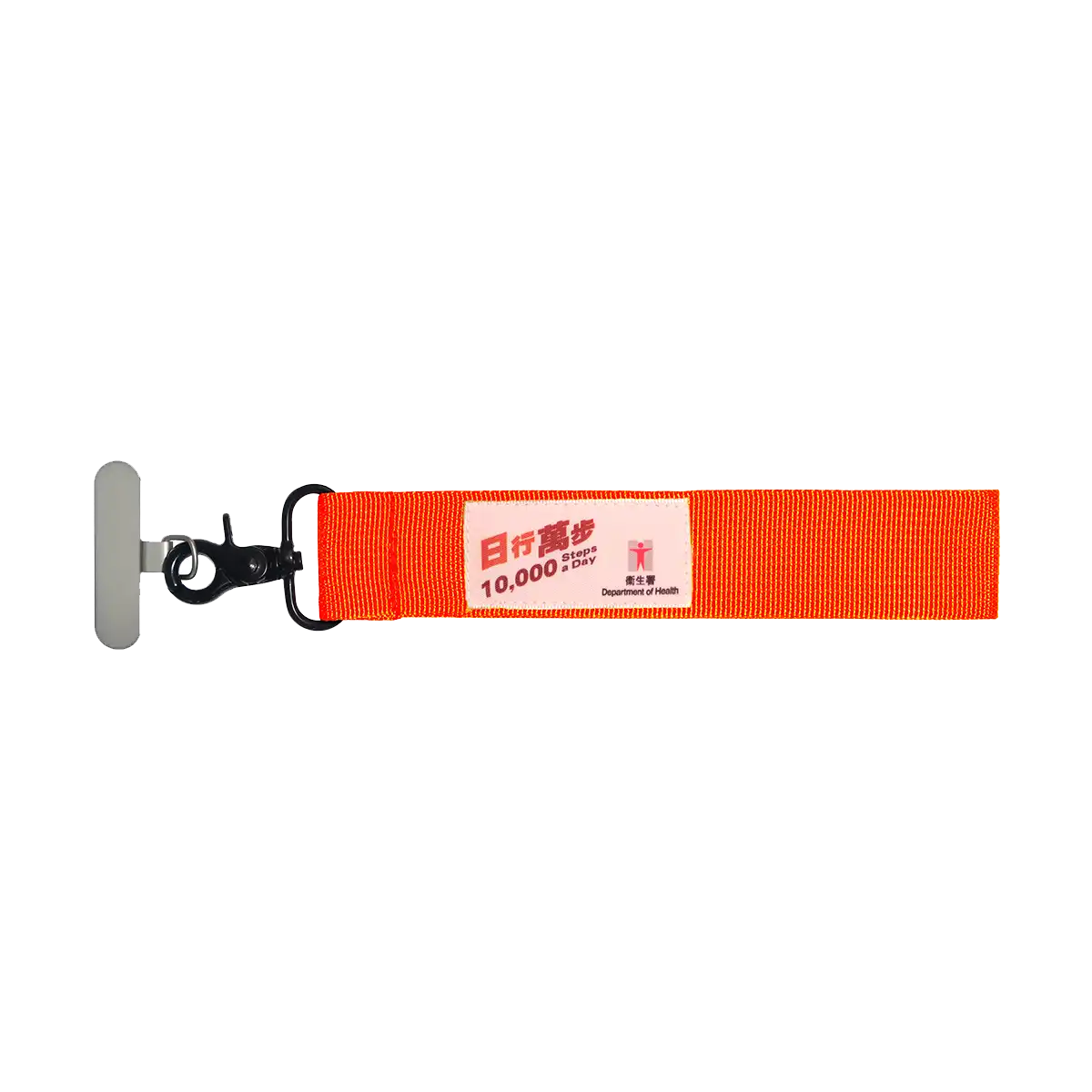
(approximately 5 cm x 21 cm)
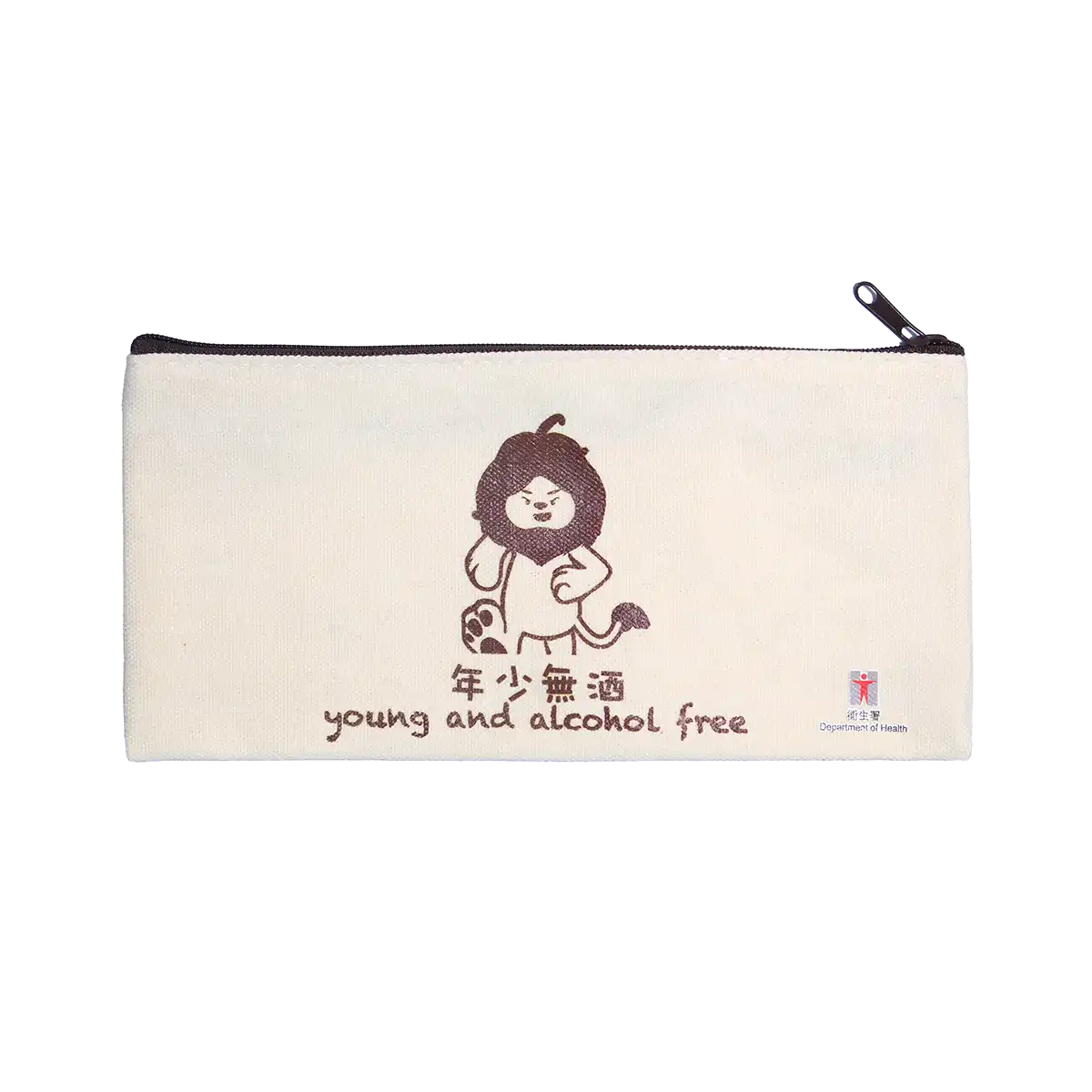
(approximately 10 cm x 21 cm)
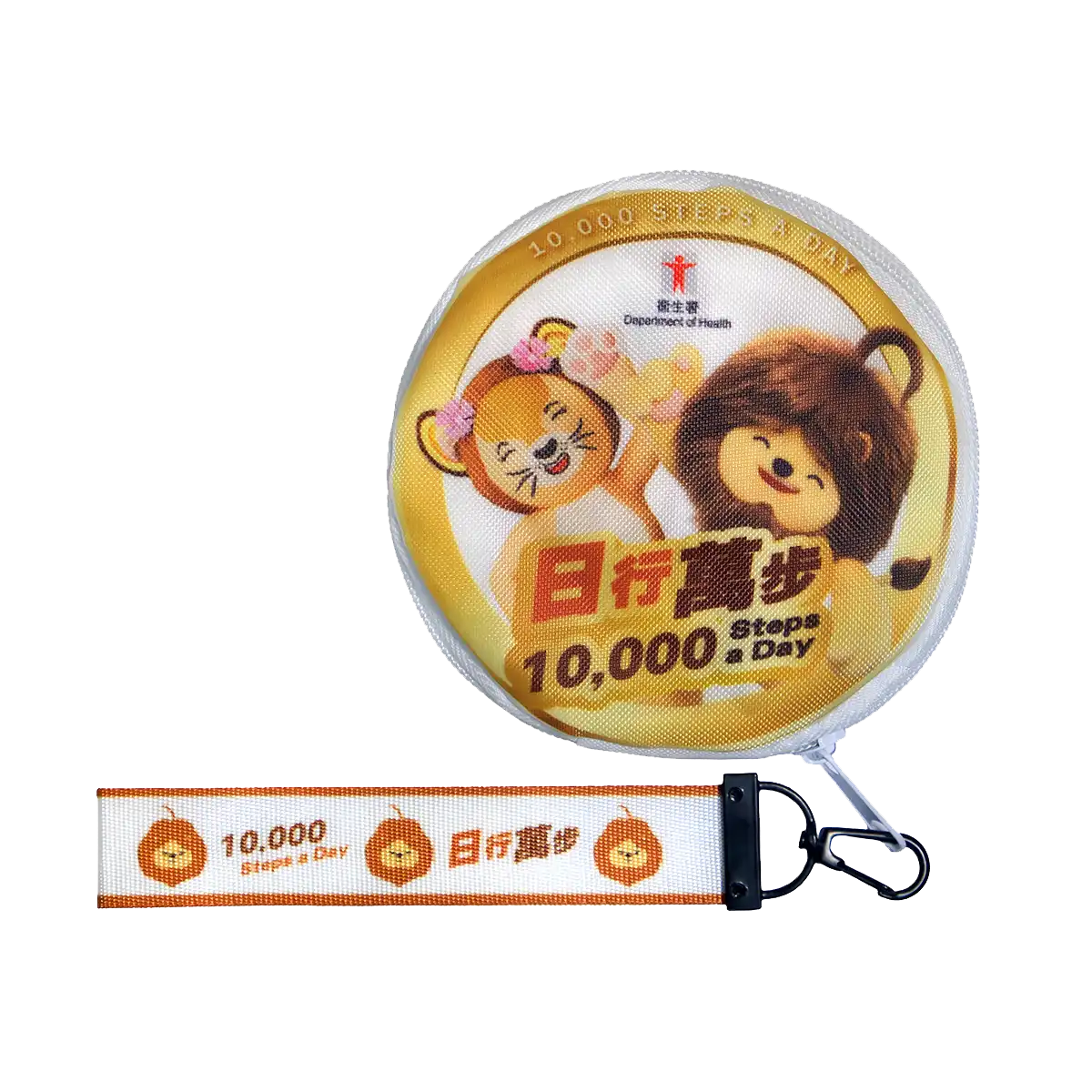
(approximately 12 cm x 12 cm)
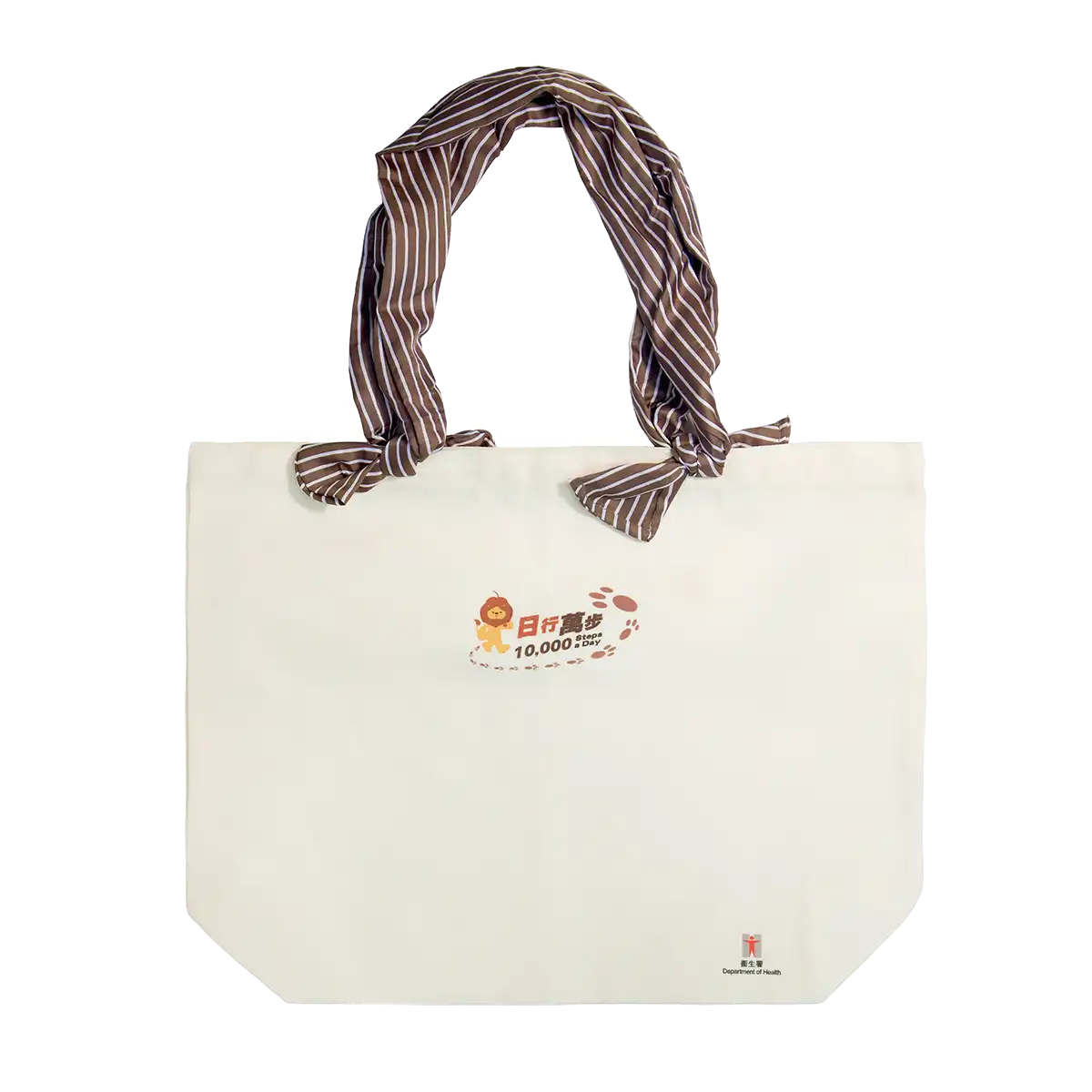
(approximately 35 cm x 45 cm)
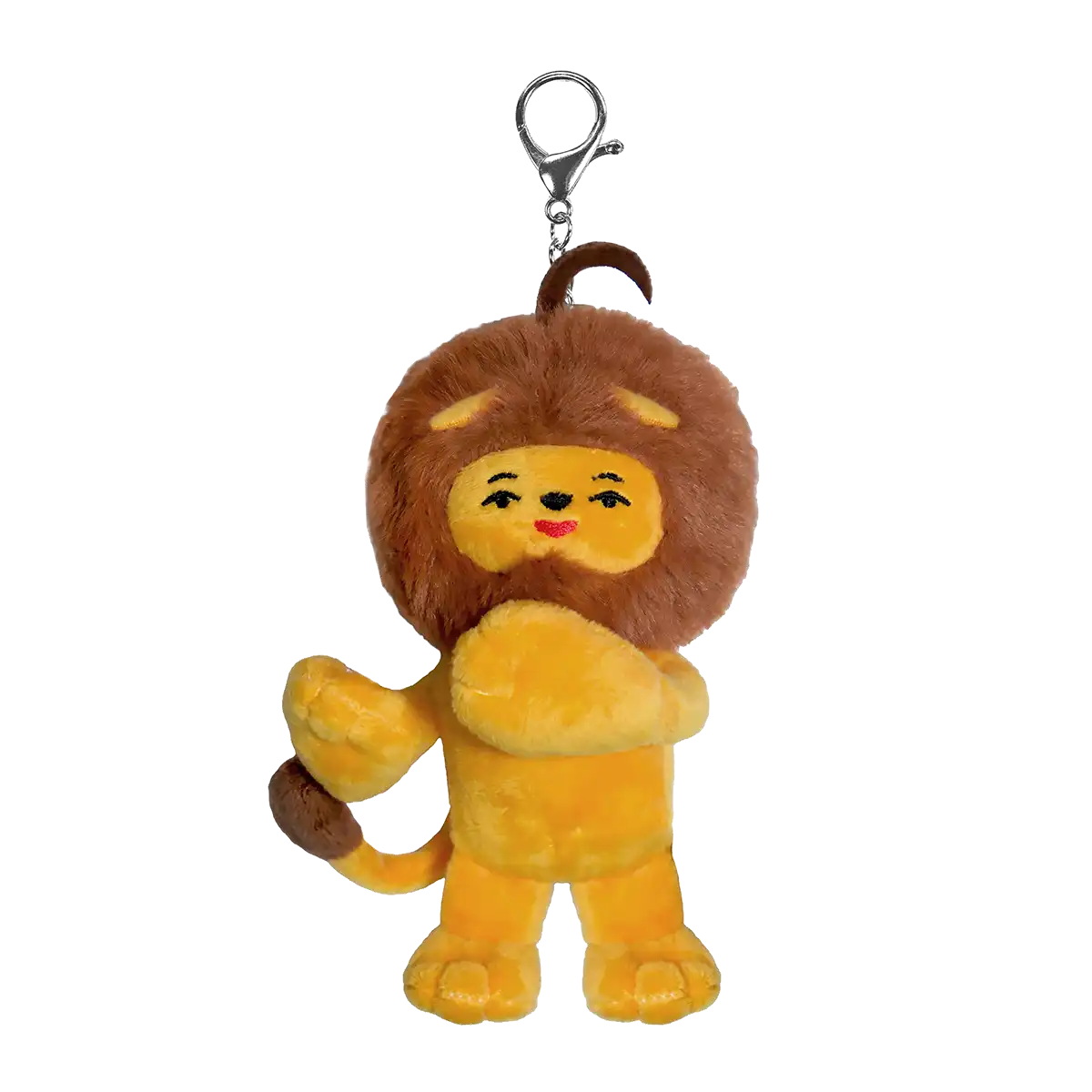
(approximately 16 cm x 10 cm)
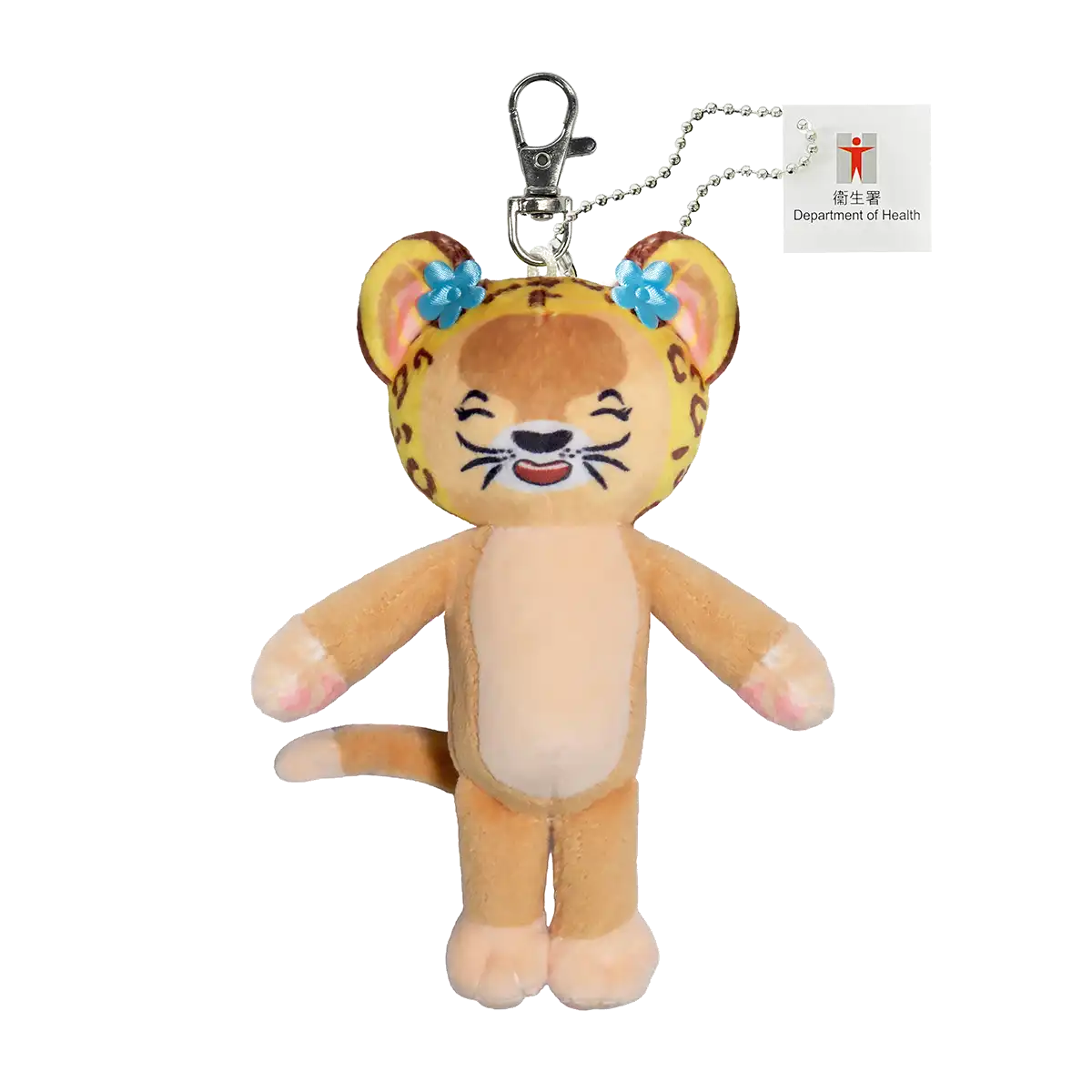
(approximately 16 cm x 10 cm)

How to represent a workplace organisation in the Walking Challenge
After successful organisation enrolment, the organisation name will be listed in the “e+Life” App for staff to select. Staff members can select their respective organisations, and the steps accumulated during the Workplace Organisation Walking Challenge period ( July – September 2026 ) will be counted towards that organisation.